Gifts for PC gamers that upgrade the whole setup
Gifts that PC gamers will actually use, from peripherals and desk upgrades to storage, streaming gear and store credit, with tips for buying when you do not speak "specs".
We independently research every pick. If you buy through our links we may earn a small commission, at no extra cost to you. Affiliate disclosure.
Quick answer
The safest gifts for PC gamers are ones that do not depend on their exact hardware: an extended desk mat, a headset stand, a monitor light bar, cable management, a comfortable chair cushion, or credit for the game store they use. If you know their setup, a gaming mouse, mechanical keyboard, headset or storage upgrade can be a big hit. Peripherals are personal, so ask a friend who games with them, or check their wish list.
- Typical budget $15 – $200
- No-risk picks Desk mat, headset stand, game store credit
- Ask first Mouse, keyboard, storage upgrades
Know what they play and how
PC gaming covers everything from fast competitive shooters to slow strategy games and cozy farming sims. Competitive players care about a precise mouse and a responsive keyboard. Story and strategy fans may care more about comfort and immersion. Streamers and content creators need cameras, microphones and lighting.
Look at their desk. If the mouse is worn shiny and the mat is fraying, those are upgrade targets. If everything is new and color-matched, they have probably chosen gear carefully, and a store gift card or an accessory that complements the setup will be safer than replacing something.
Peripherals they touch every day
Gaming mouse
Why it works: A light, accurate mouse with a reliable sensor and comfortable shape is one of the most noticeable upgrades for a gamer. Wireless models now perform well enough for most players.
Skip it if: You do not know their grip style or hand size. Mice are very personal; a gift card is kinder than the wrong shape.
Mechanical keyboard
Why it works: Mechanical keyboards feel crisp and last for years. Compact layouts free up space for mouse movement, and hot-swappable boards let enthusiasts change switches later.
Skip it if: They share a room and the clicky switches would annoy others. Choose quiet or linear switches, and match the keyboard layout to their country.
Gaming headset
Why it works: A comfortable headset with a clear microphone matters for anyone who plays with friends online. Long sessions reward light weight and soft ear cushions.
Skip it if: They use separate headphones and a desk microphone, which many enthusiasts prefer.
A controller for PC
Why it works: Many racing, platform and action games play better with a controller. A wired or wireless pad that works with PCs opens up couch-style play on a big monitor.
Skip it if: They only play strategy or shooter games with a mouse and keyboard.
Desk and room upgrades
Extended desk mat
Why it works: A large cloth mat under the keyboard and mouse gives consistent glide, protects the desk and pulls the setup together visually. Fun prints make it personal without any risk of incompatibility.
Skip it if: Their desk is glass and they use a hard mouse pad on purpose.
Headset stand and cable management kit
Why it works: A stand keeps headphones off the desk, and cable clips, sleeves and an under-desk tray tame the tangle behind a gaming PC. Tidy setups are a small, constant pleasure.
Skip it if: Their setup is already immaculate.
Monitor light bar or bias lighting
Why it works: A light bar that sits on the monitor lights the desk without glare on the screen, and LED strips behind the monitor soften the contrast in a dark room during late sessions.
Skip it if: They game in a bright room or have a curved monitor that a light bar will not clip onto. Check compatibility.
Games, storage and streaming
Game store credit
Why it works: Digital store credit for the platform they use lets them grab the game on their wish list or wait for a sale. Pair it with a note about the game you hope they try.
Skip it if: You do not know which store they use. Ask, since PC gamers often have favorites. See our gift card guide for making credit feel personal.
Game subscription
Why it works: A few months of a PC game subscription service gives access to a rotating library, perfect for trying genres they would not buy outright.
Skip it if: They already subscribe, or they mostly play one competitive game.
Solid-state storage upgrade
Why it works: Modern games are huge, and gamers constantly delete titles to make room. A larger SSD or a fast external drive means more games installed at once.
Skip it if: You cannot confirm the drive type their PC supports. Internal drives come in several sizes and interfaces, so ask or choose an external drive.
Webcam or USB microphone
Why it works: For anyone who streams, records videos or plays with a group, better video and audio make a clear difference to friends and viewers.
Skip it if: They have no interest in streaming or voice chat.
How to choose a gift for a PC gamer
- Find out the platform and store. Credit and subscriptions only work where they play.
- Do not guess on personal peripherals. Mouse shape, keyboard switches and headset fit vary from person to person.
- Accessories are low risk. Desk mats, stands, lighting and cable kits suit nearly any setup.
- Check compatibility for hardware. Storage, monitors and internal parts depend on their PC.
Prefer tabletop to keyboard? Our gifts for board game lovers cover game night. Budget picks are in tech gifts under $50, and more ideas live in our gamers collection.
Frequently asked questions
What is a good gift for a PC gamer under $50?
An extended desk mat, a headset stand, a cable management kit, a monitor light bar on sale, or game store credit. All are useful regardless of their exact hardware.
What do you buy a PC gamer who has everything?
Consumables and experiences: game store credit, a subscription, merchandise from their favorite game, or tickets to a gaming convention or esports event.
Is a gaming chair a good gift?
It can be, but chairs are about fit and comfort. If possible, let them choose; a seat cushion or lumbar pillow is a lower-risk alternative.
Should I buy PC parts as a gift?
Only if you know exactly what their system supports. Internal parts like graphics cards and drives depend on the motherboard, power supply and case, so a gift card toward the part is often wiser.
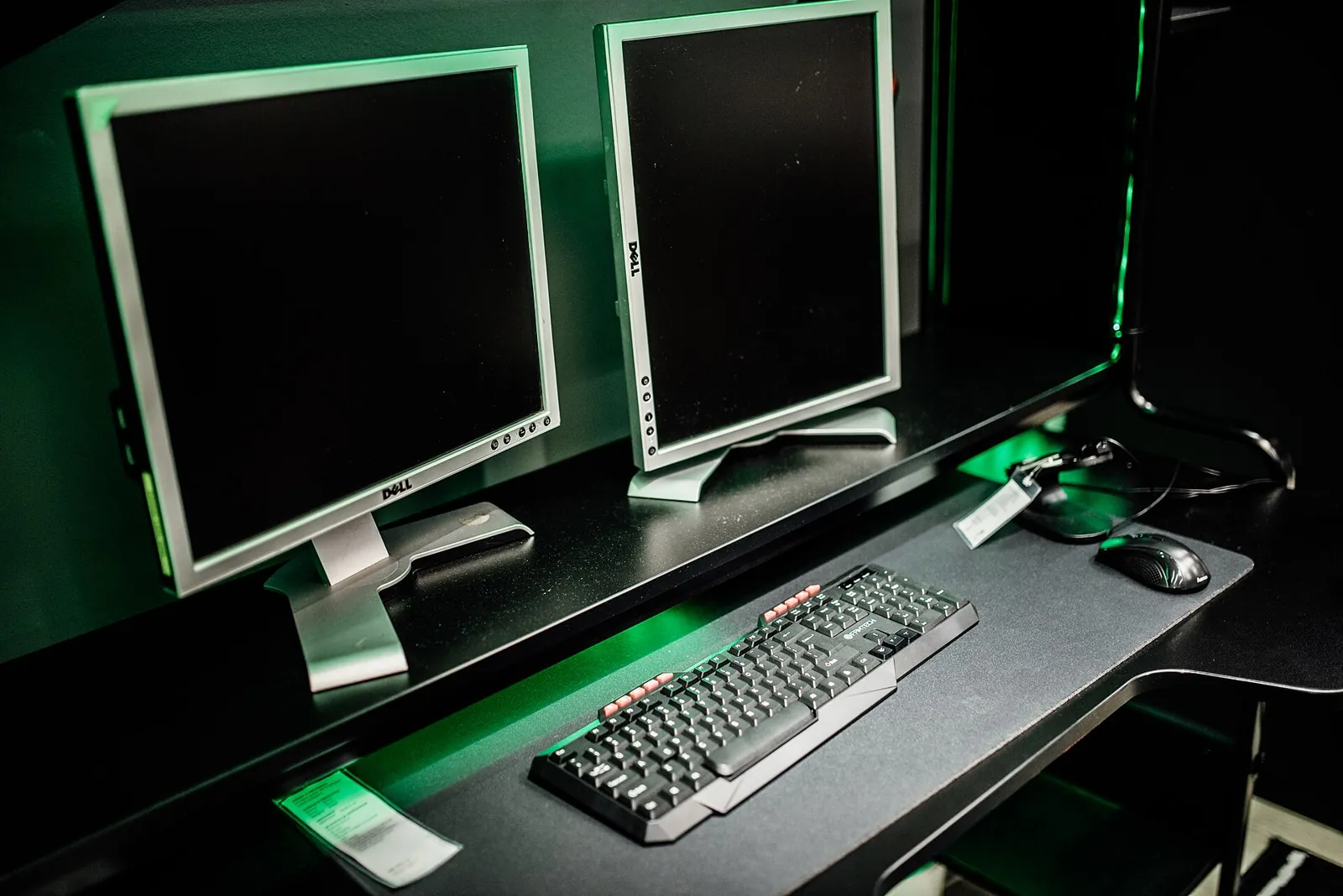
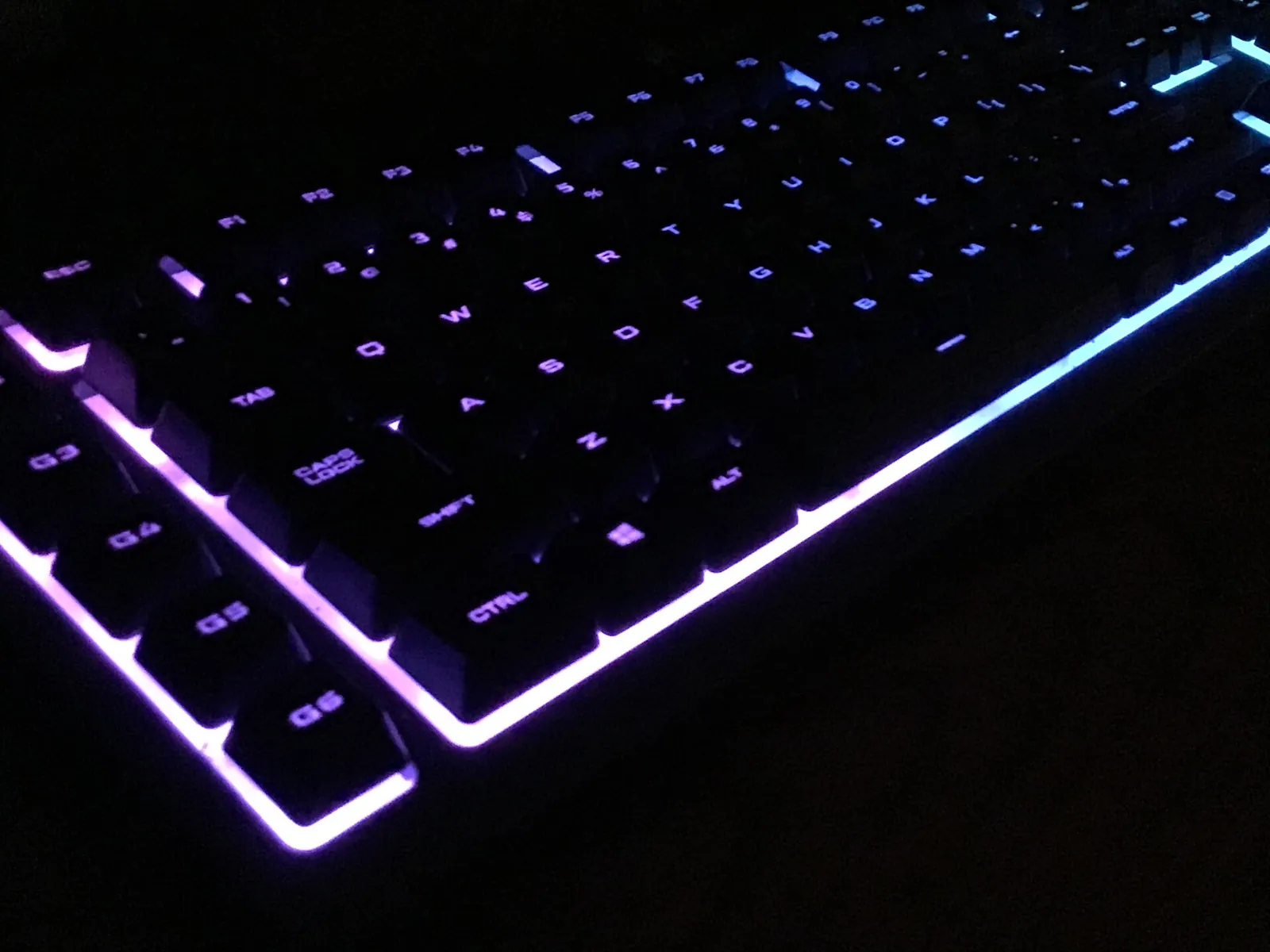
Image credits. Top image: Dual monitor setup in a gaming room with keyboard and mouse in focus by Shixart1985, CC BY 2.0, via Wikimedia Commons · In-article image: Mechanical Keyboard by SolarMainframe, CC BY-SA 4.0, via Wikimedia Commons
Spotted something out of date or a gift that's no longer available? Tell our editors — we review every correction.